










Description
IN THE BOX :-
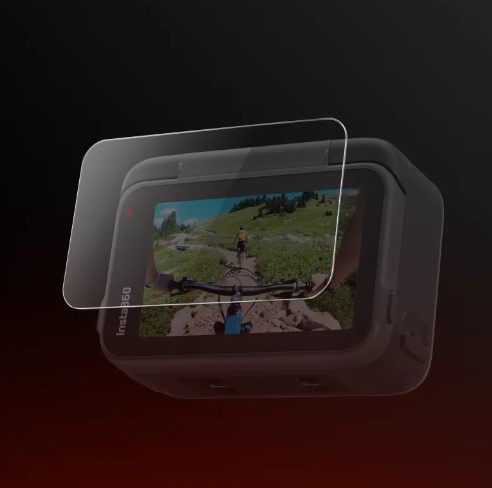
- 2x Screen Protectors
- 1x Film Removal Stick
- 1x Protector Application Kit
- *Application Kit includes: 2x Screen Cloths, 2x Dust Removal Stickers, 2x Screen Wipes
How to Use
- Clean the screen using the screen cleaning wipe and screen cloth. Use the dust removal sticker to ensure the screen is clear of any dirt and unwanted particles.
- Remove the protective film from the screen protector. Position the screen protector over the screen. Apply the protector carefully across the screen until it is fully covered.
- Scrape air bubbles from the middle of the screen outward, then press hard on both sides until air bubbles are completely removed.
- Remove the remaining film from the screen protector.
*Notes:
- Do not reinstall the same screen protector. Any dust that has collected on the screen protector may cause air bubbles and reduce adhesiveness.
- If the screen protector is not perfectly aligned during installation, use the film removal stick to remove the screen protector and repeat the steps above. Do not fully remove the installed screen protector.


